


Once you have made a Power BI dashboard that you are proud of, you might want to show it off.
Embedding a link to you Viz is one way to let others see and interact with your dashboard without them having to download and open Power BI or having to send a static screenshot with no interactivity.
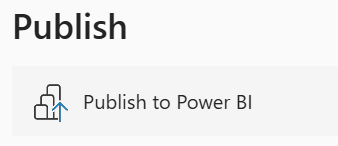
Once you have a completed Viz, click on file and then publish to Power BI.
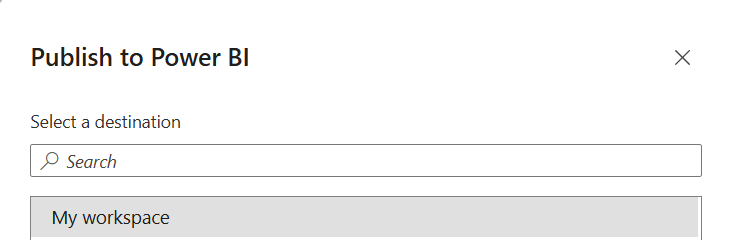
Select "My Workspace" as the destination for this Viz
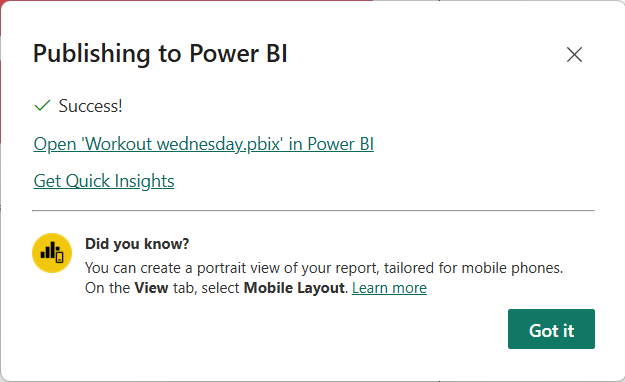
Once published, you will be met with a pop-up letting you know it was a success. You are then given an option to open the Viz in Power BI. This is where you'll be able to get a link to share your Viz online or embed it into a website.
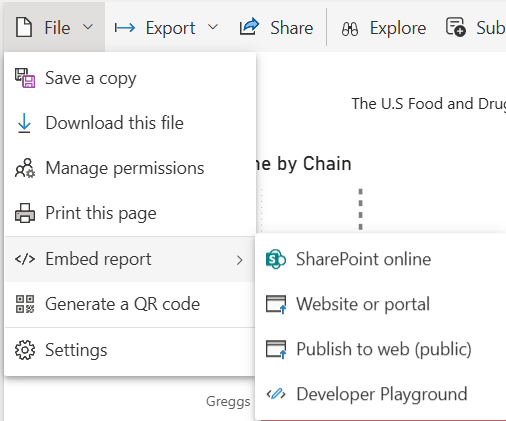
Once you have opened your Viz online, go to File, Embed report and Publish to web (public).
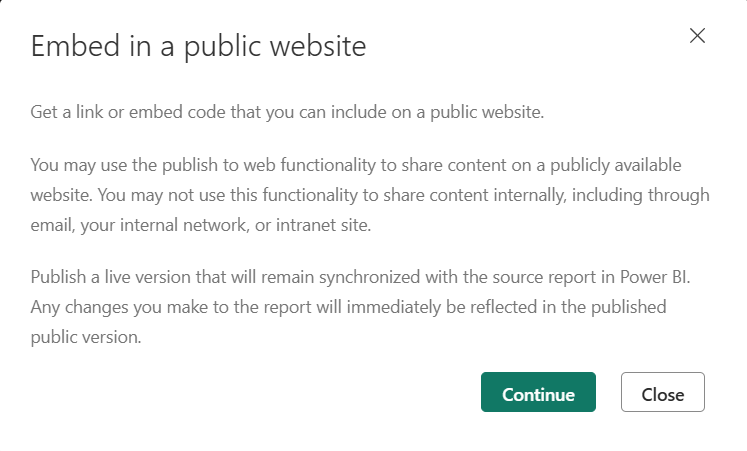
An information pop-up will then give you some further info on the functionality of this feature and where you can embed it.
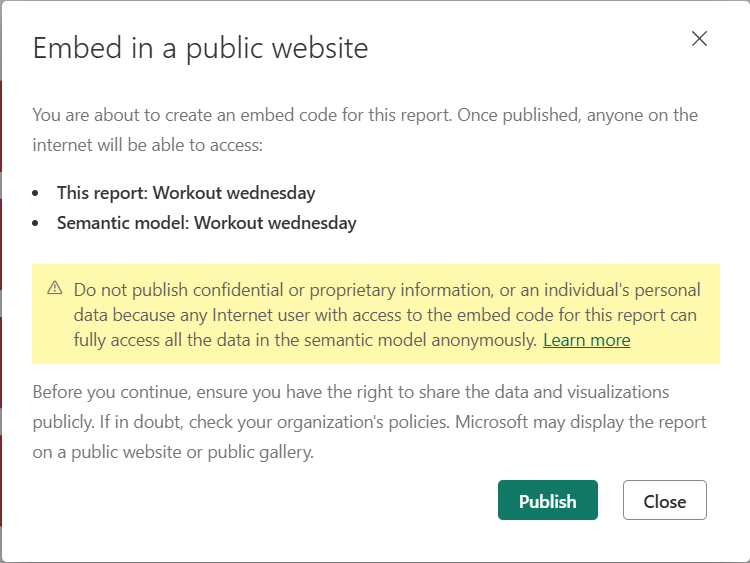
After clicking continue it will also let you know what you are embedding and give you a warning not telling you "Do not publish confidential or proprietary information"
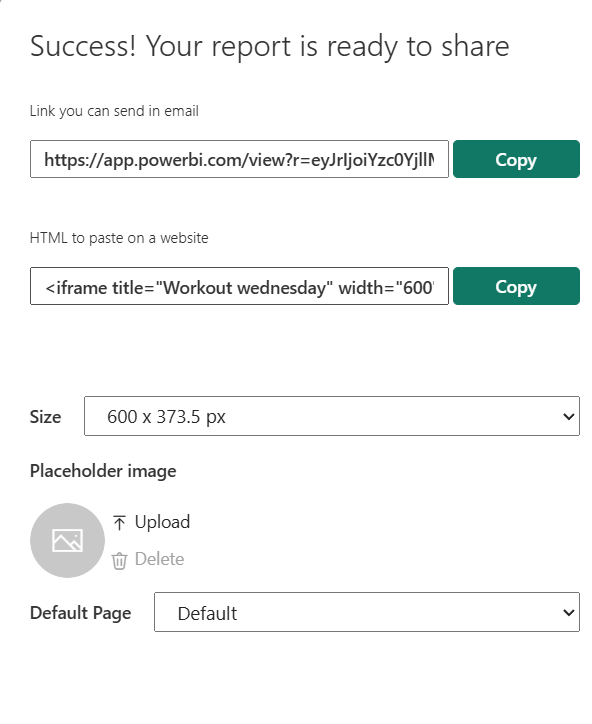
Once clicking publish, you will be given 2 links that you can copy. The first link is one that allows you embed the Viz in an email and the second allows you to paste the Viz into a website.
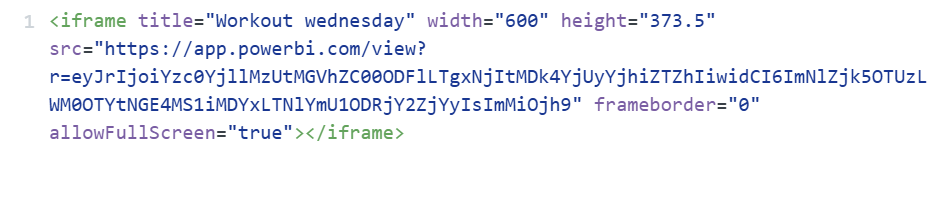
Congratulations, you are now able to show your Viz on websites
Above is what the Viz will look like when embedded into a website.