Today we learnt about sets, as basic as these can seem they permit to highlight extremely well specific values in your data. They are custom fields which represent a defined part (or a set) of a dimension.
1) Constant sets:
Those sets consist of values select by the user manually when creating the set. There is therefore no way of changing the members of the set and when new data is added to the dataset, the set won't change.
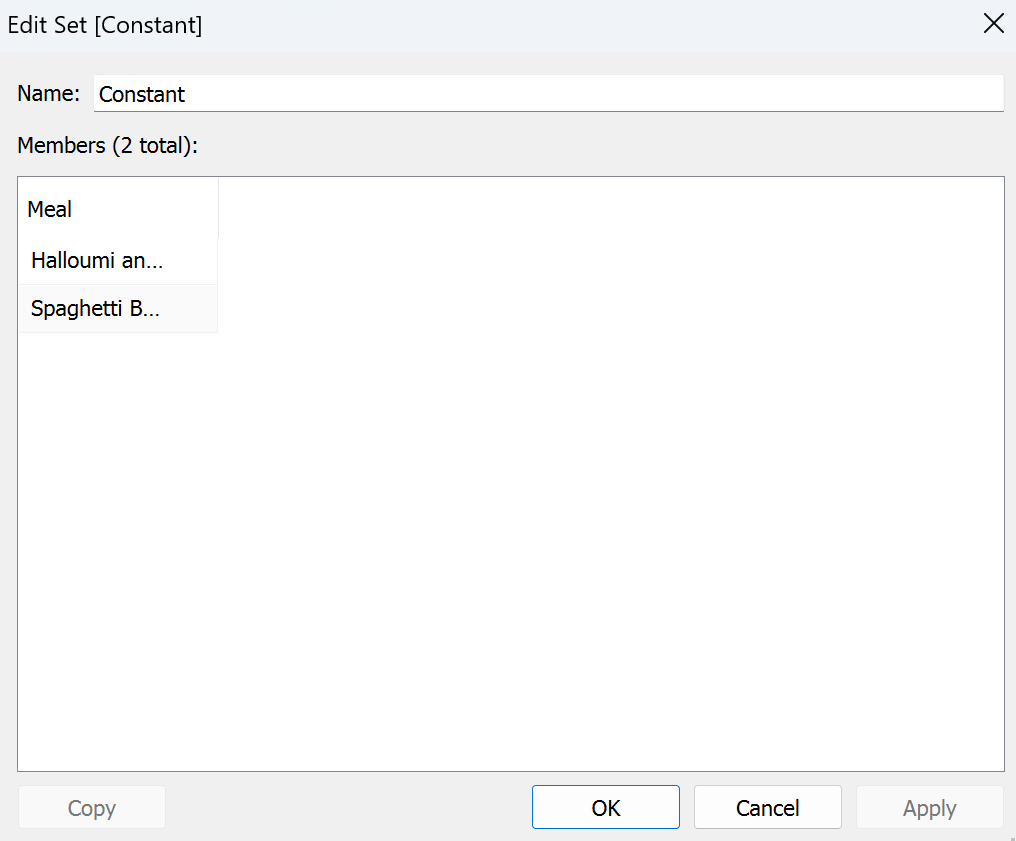
2) Computed sets:
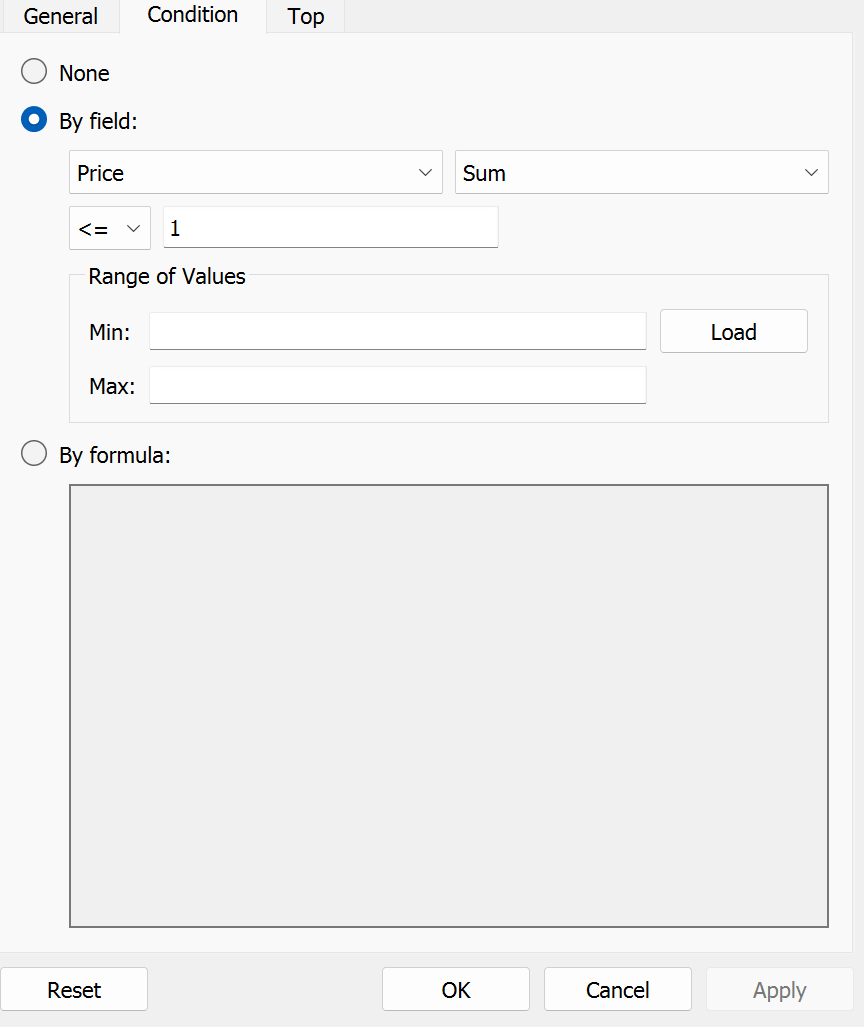
This includes multiple types of sets, with the common factor that they can be modified either by a condition, by a top (N) or bottom (n) or user interactions. In terms of conditions this can include only choose members who have a measure which is superior to X, equal to X etc.
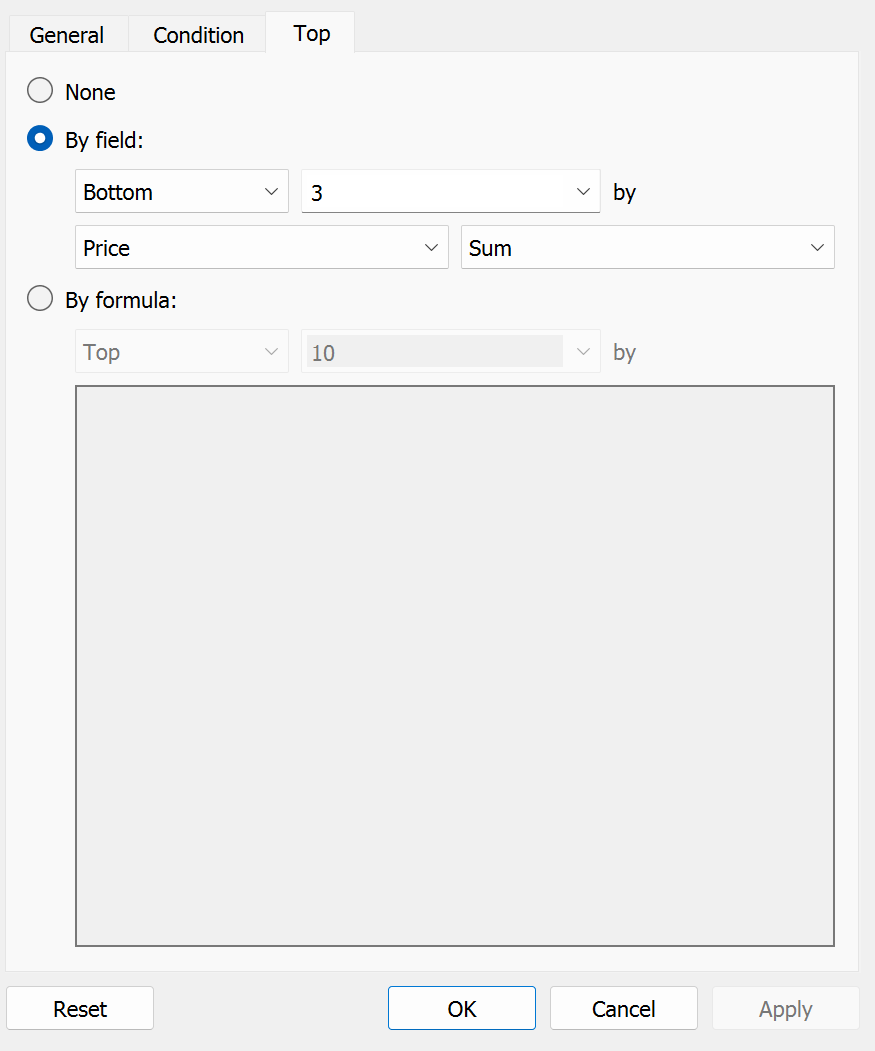
For top and bottom it is based on wether the member is in the top or bottom of a specific measure.
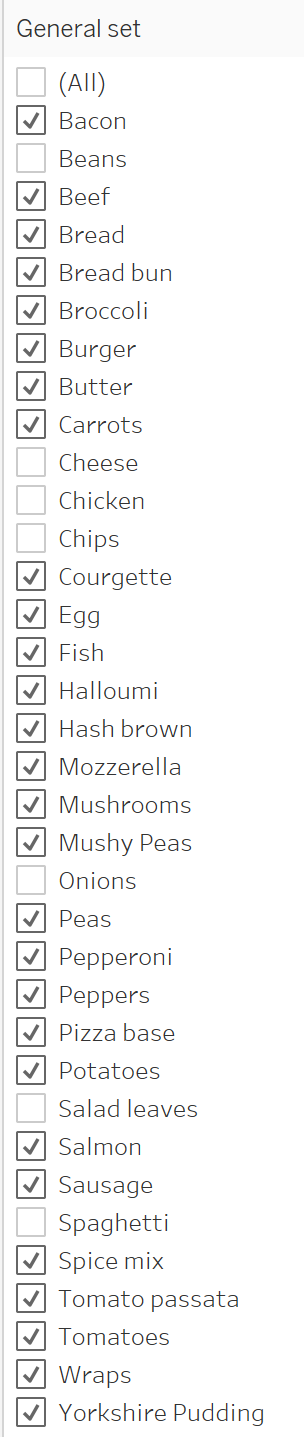
Finally, for the user interactions (also named general sets) members can be added to the set via a menu or any way of selecting manually in the dashboard.
3) Combined sets:
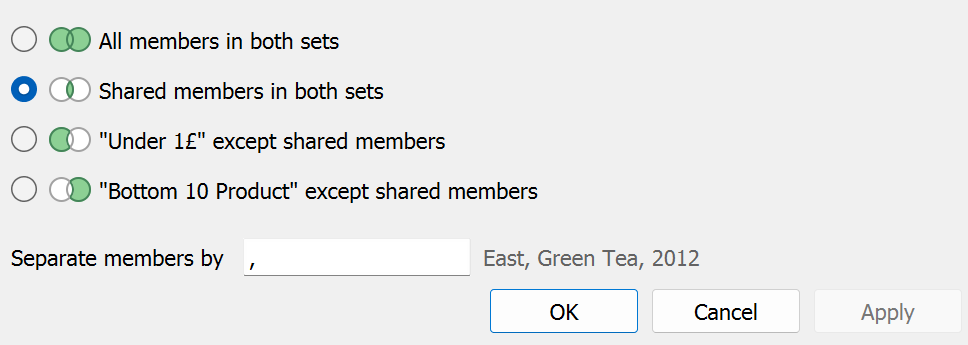
This is when, as the name suggests, you combine multiple sets. You can then select if you want members that are in both sets, in either sets, in either sets but not in both, if members that are in one set but not the other.