


In todays blog, I want to demonstrate how set actions can be used for drilling down on Maps from regions to state. This technique is useful when we want to show for example unprofitable/profitable regions and the exact states that contributes mainly to unprofitability/profitability.
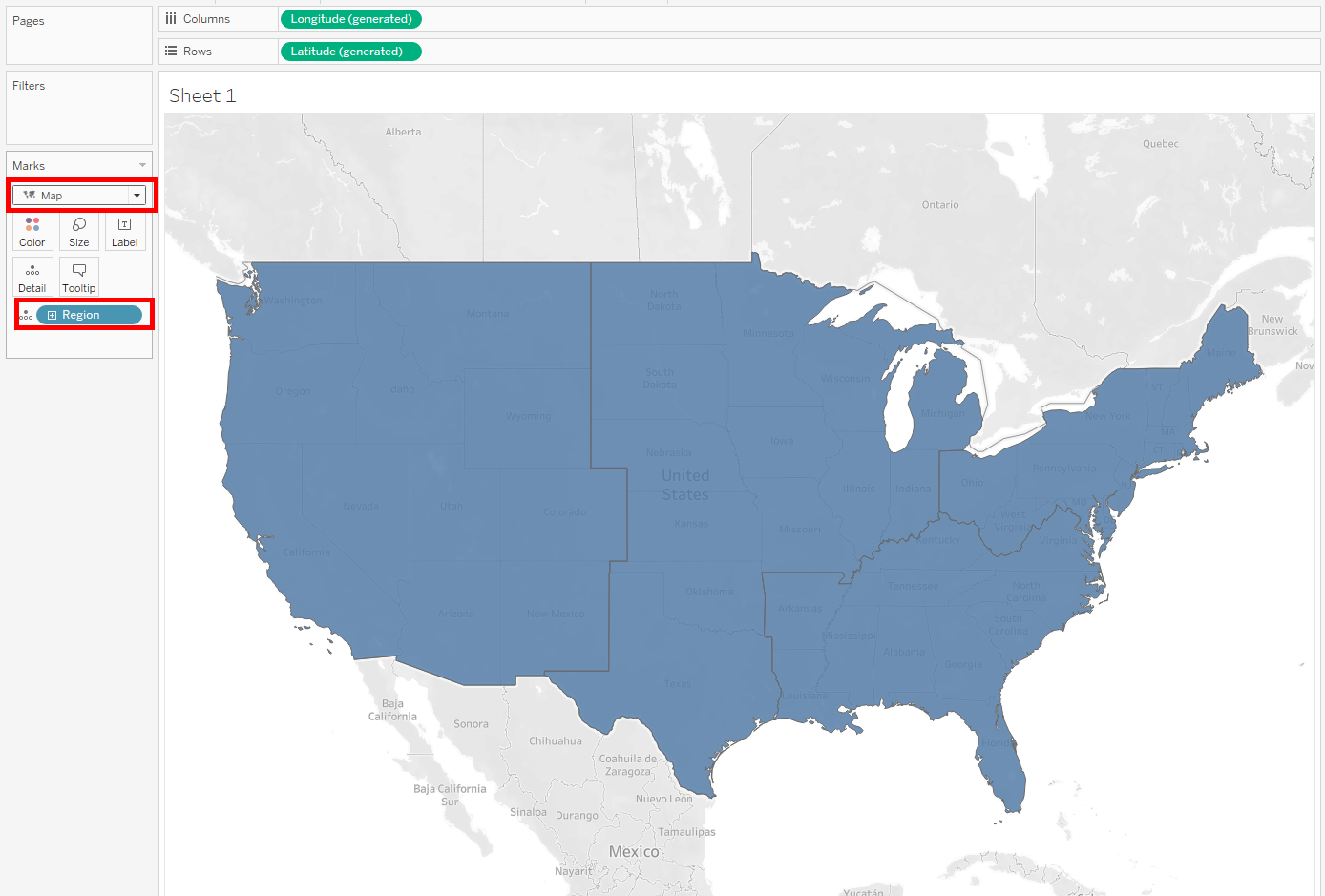
- Create map by dragging region to detail and selecting maps from the marks card.
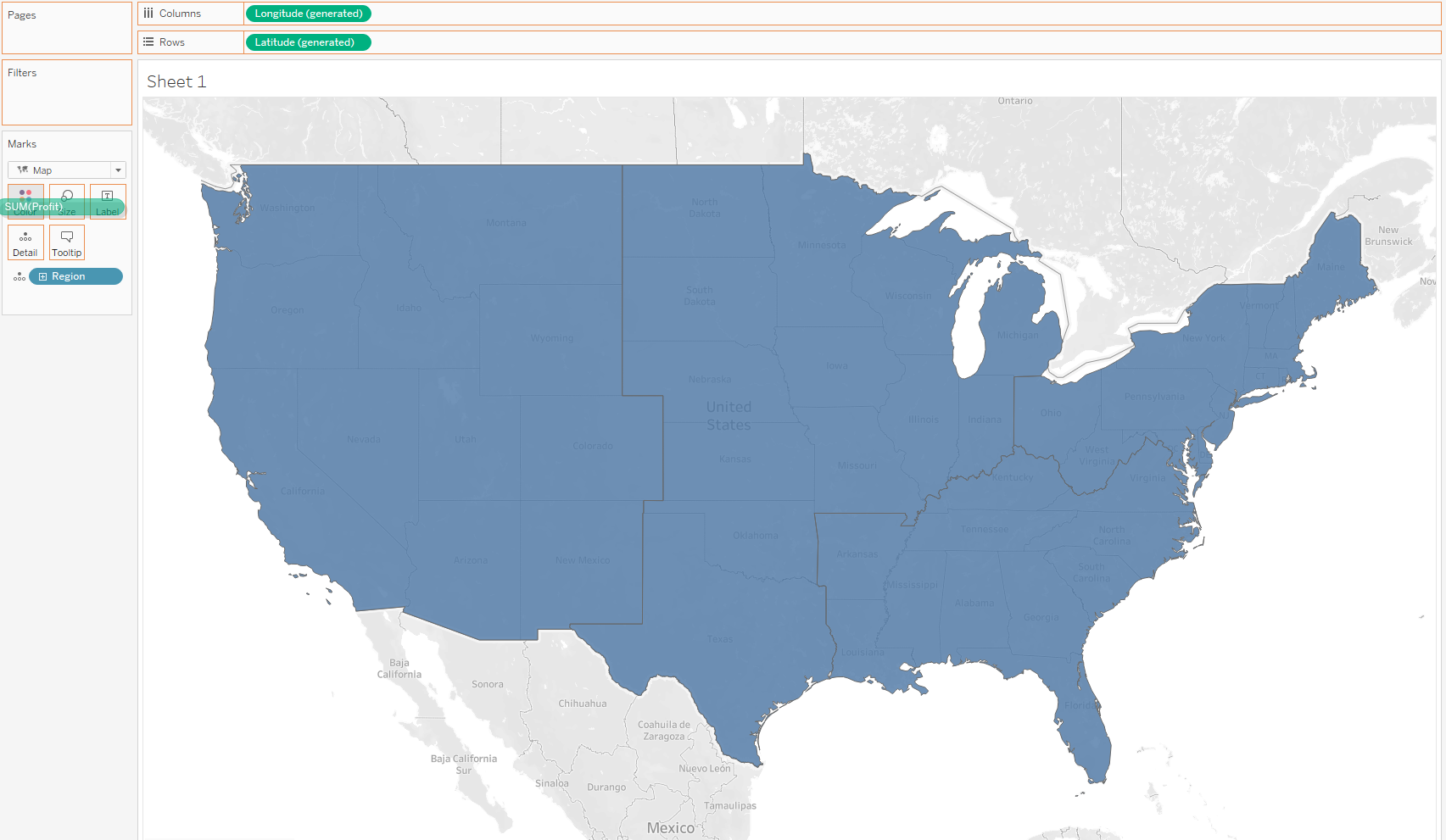
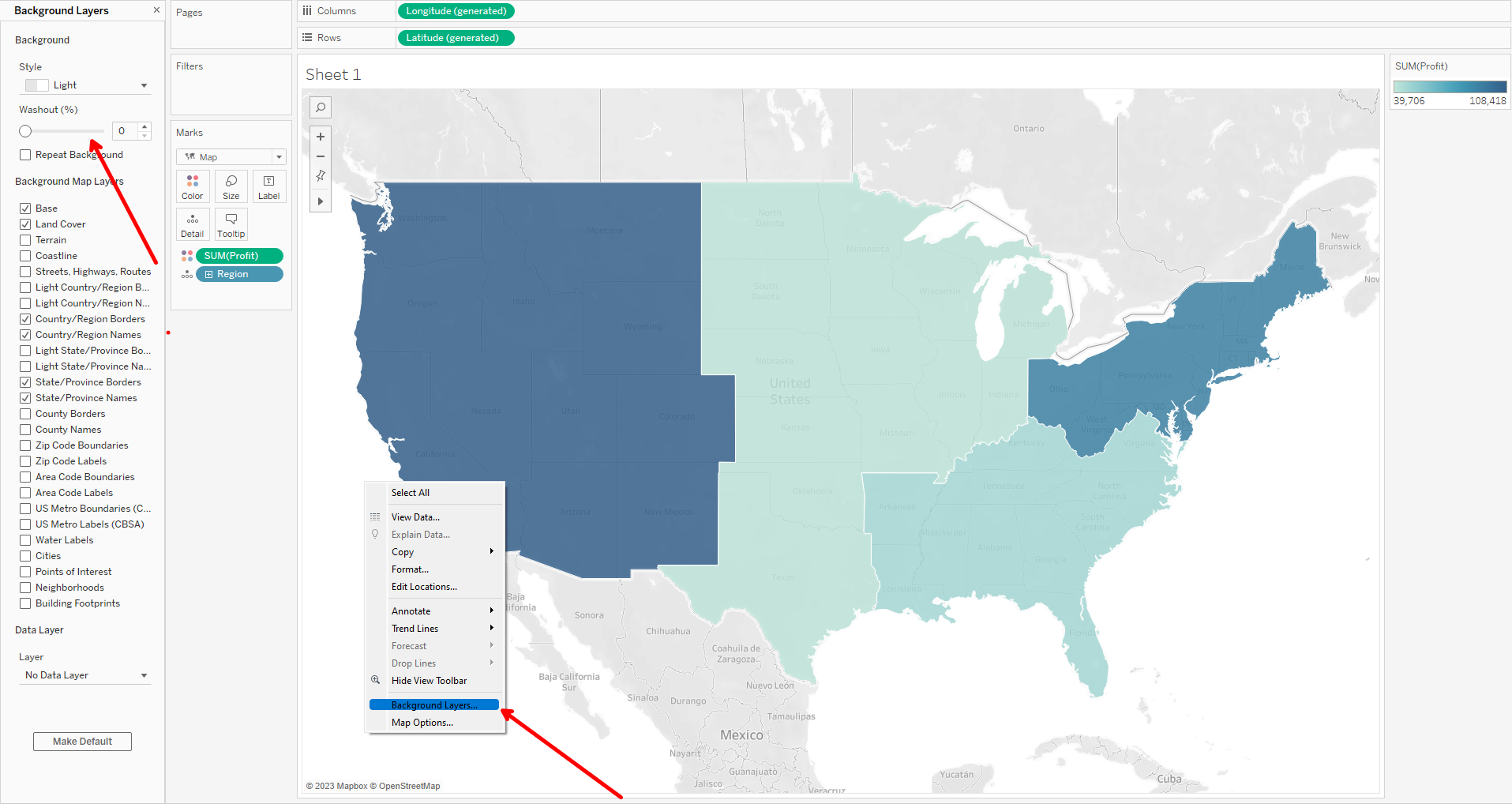
2. Drag Profit to colour, select white borders and wash map background.
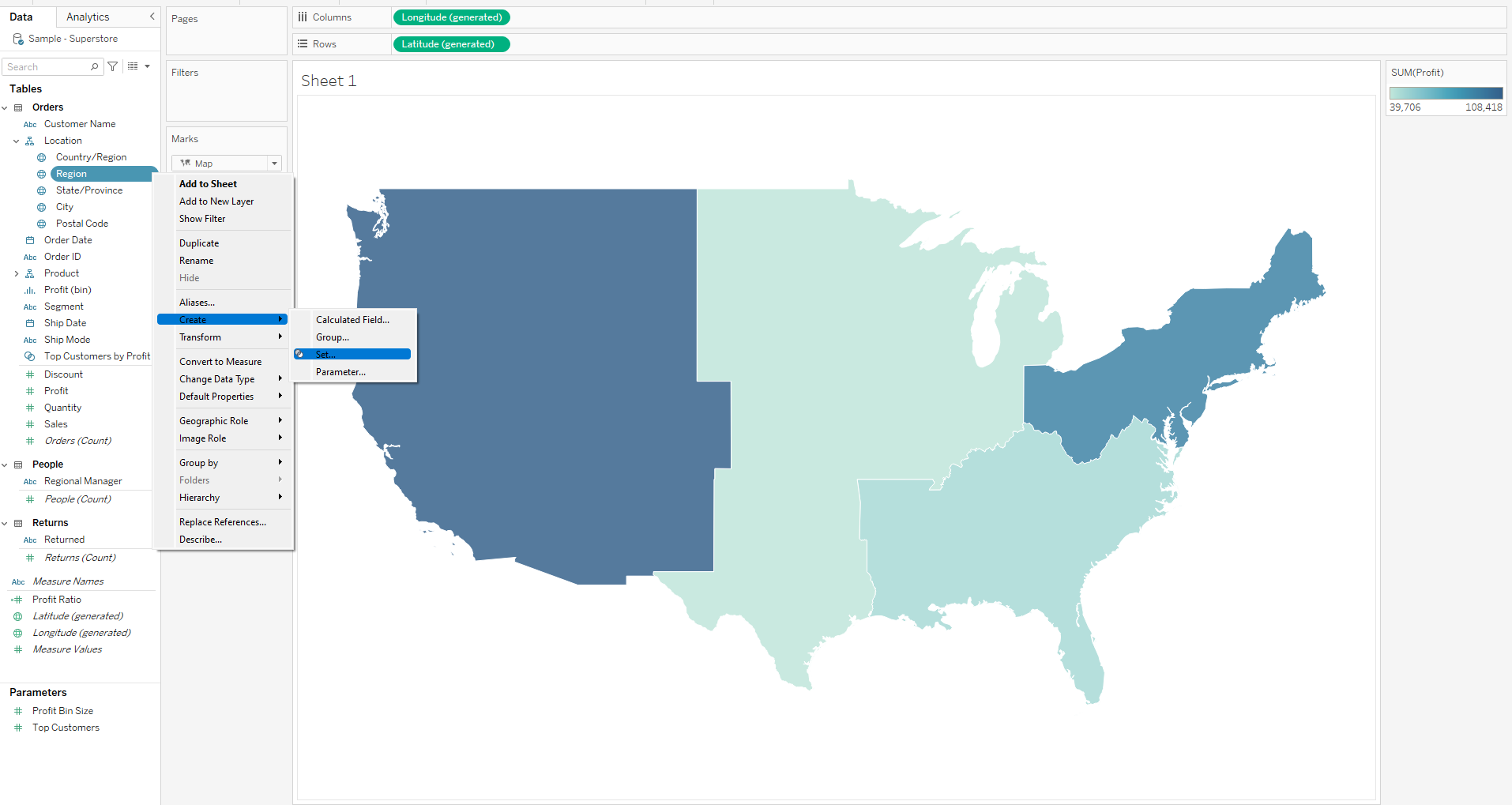
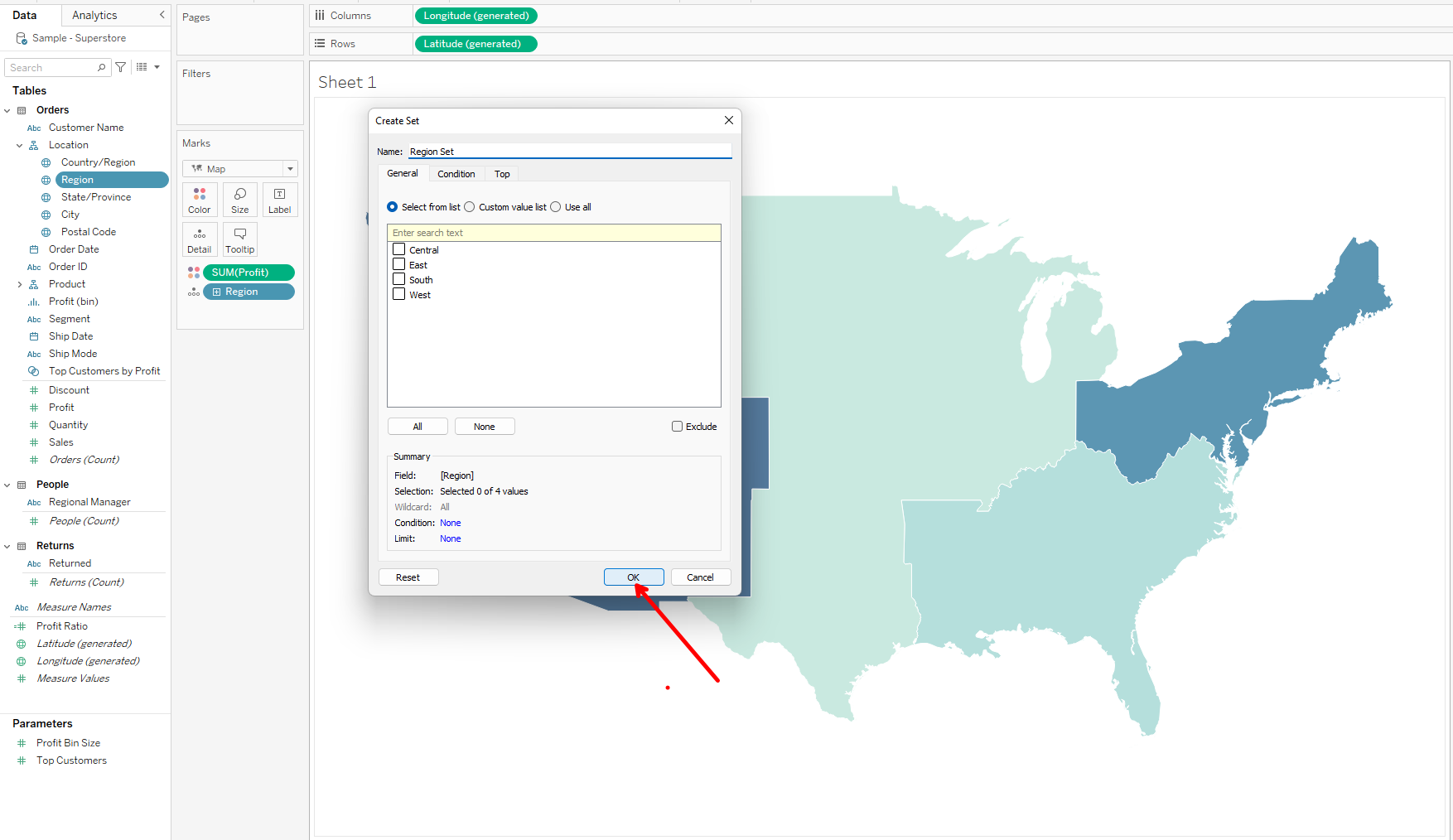
3. Create set on regions and click ok in the create set pop-up window.
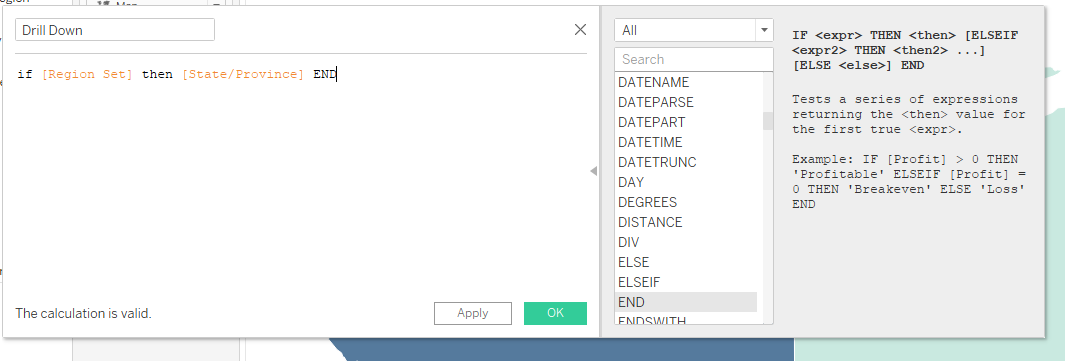
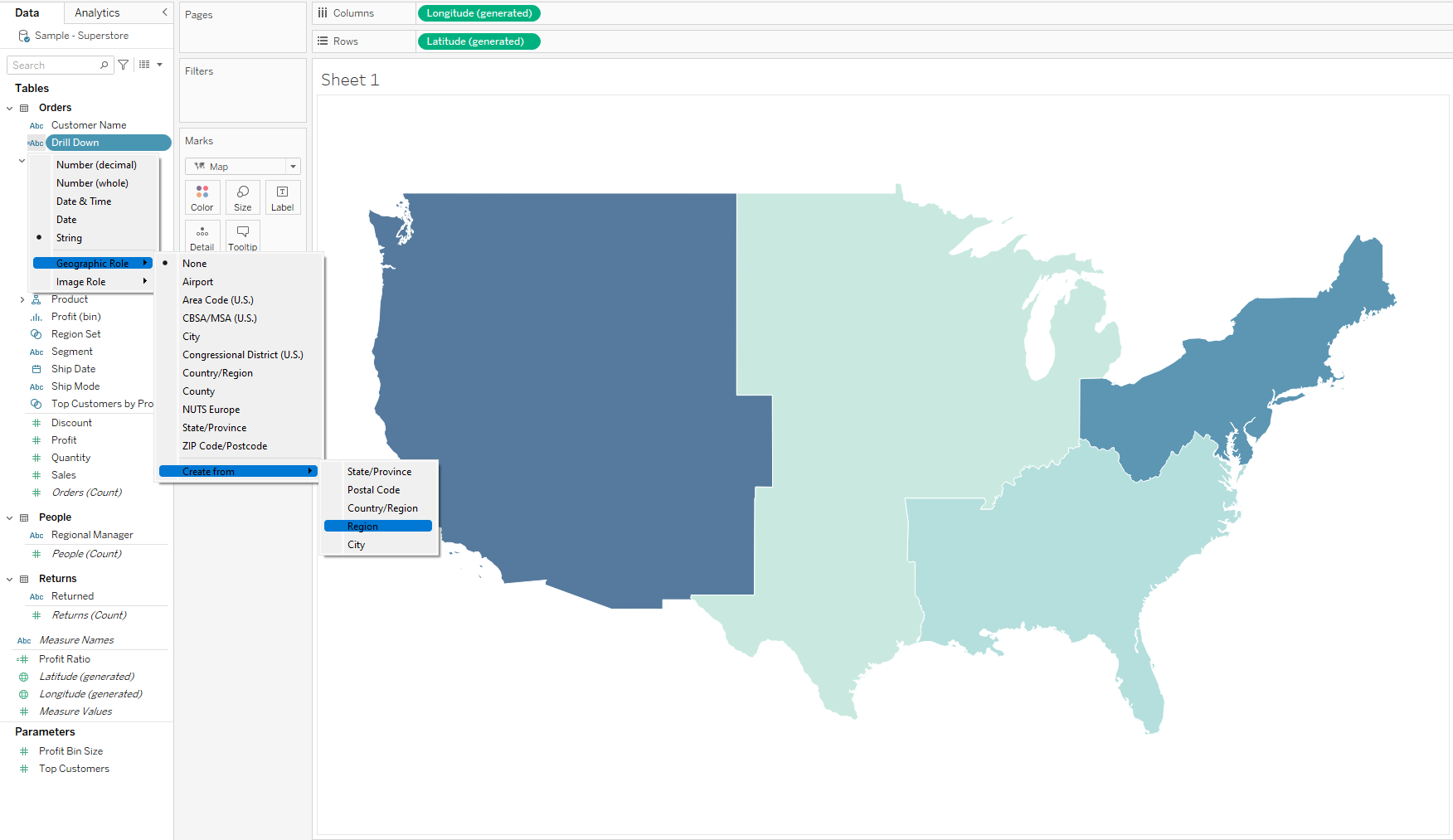
4. Create a calculated field which will initiate the drill down from region to state and assign a regional geographical role to it.
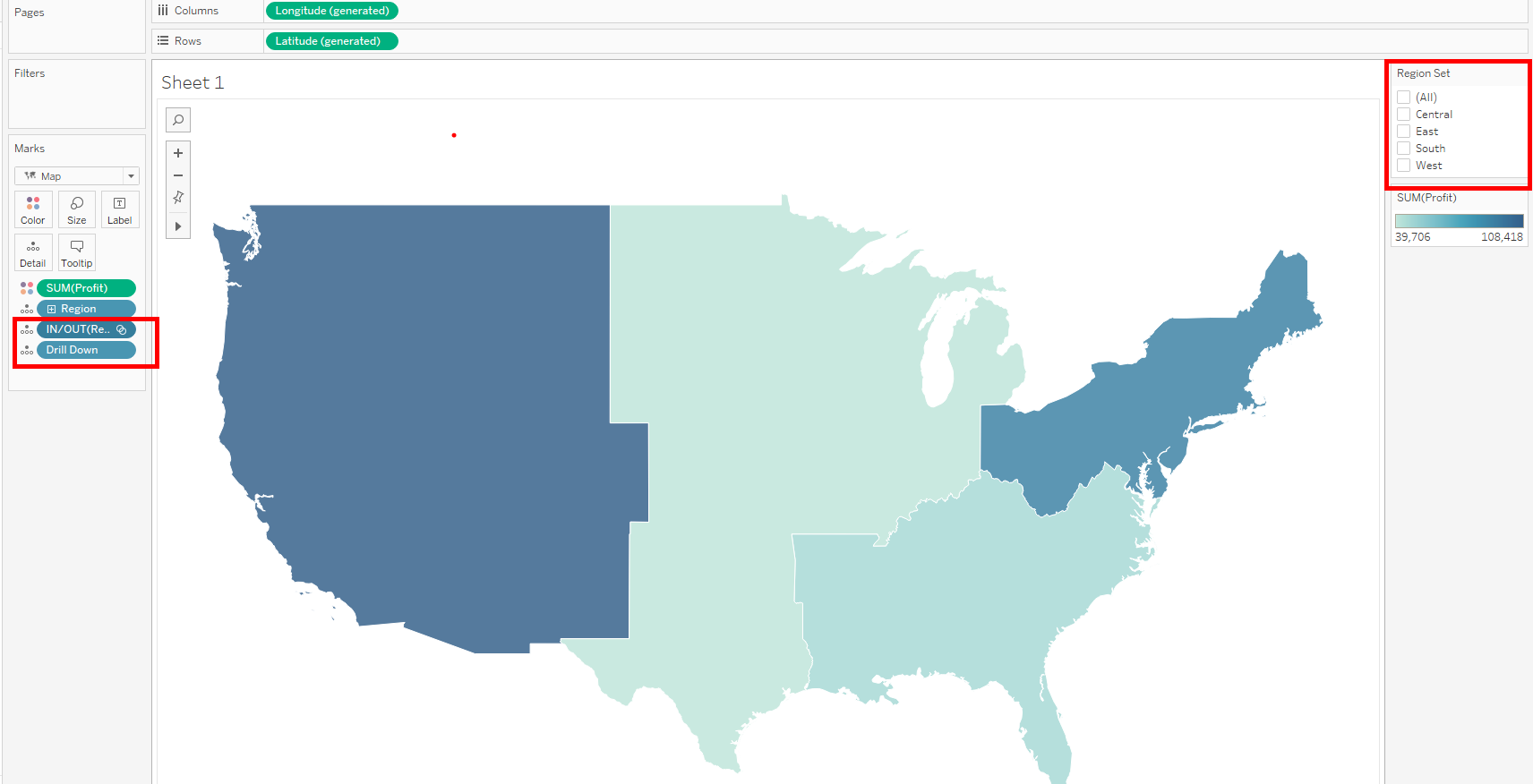
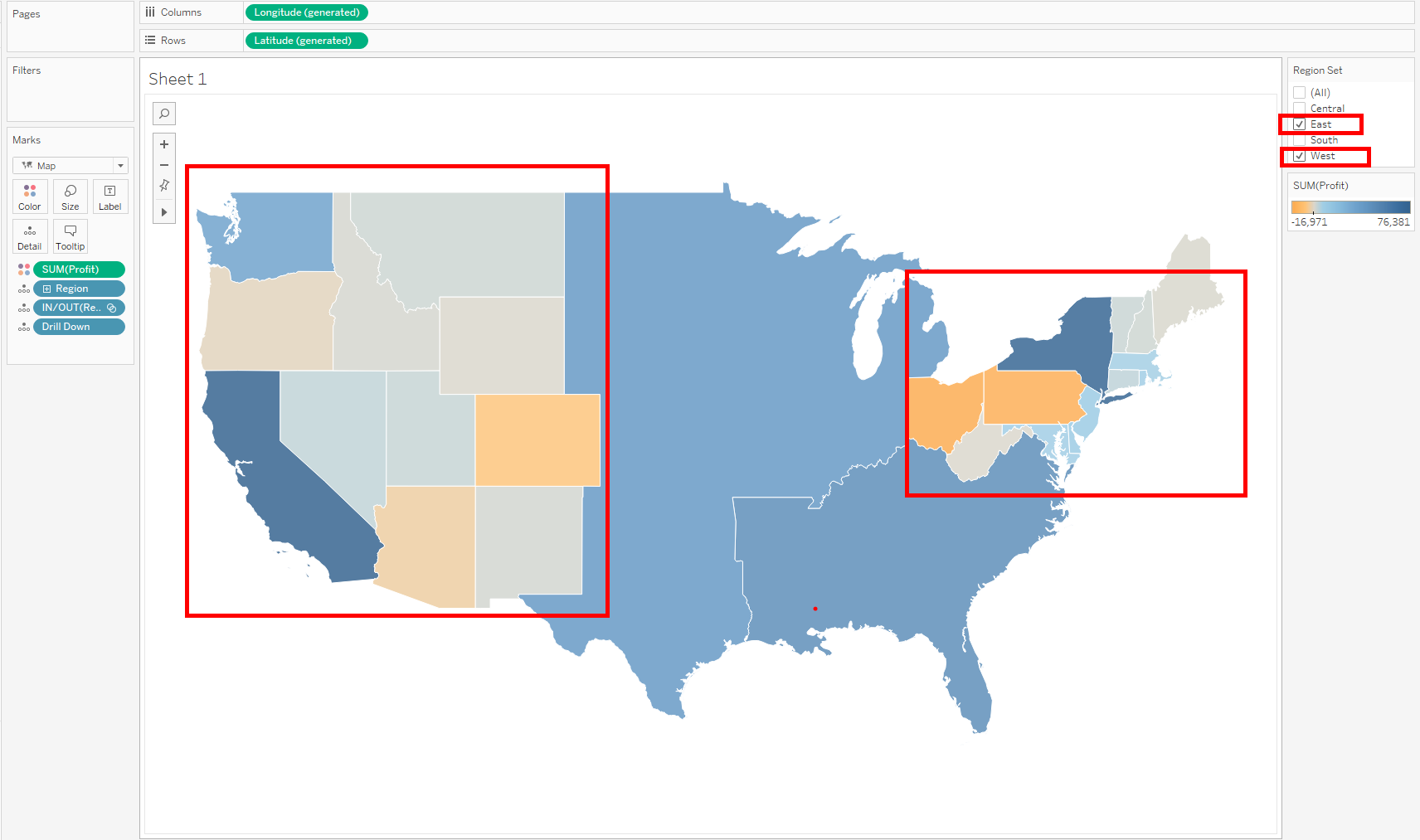
5. Add region set and drill down calculated field to detail and show set. Test the region set to see if its functioning based on the calculated field connected to it. Making any selection on the set control, will drill down to the states.
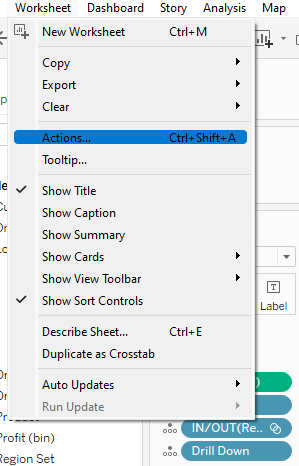
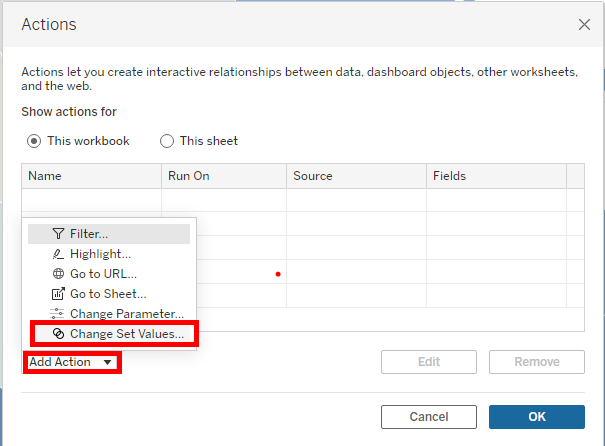
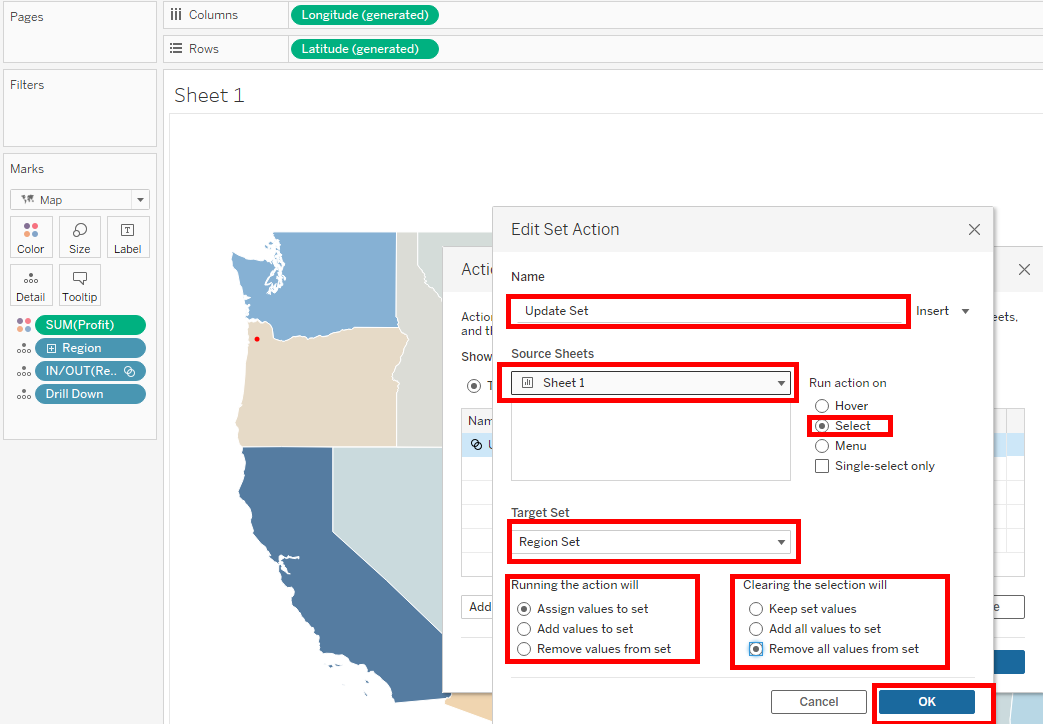
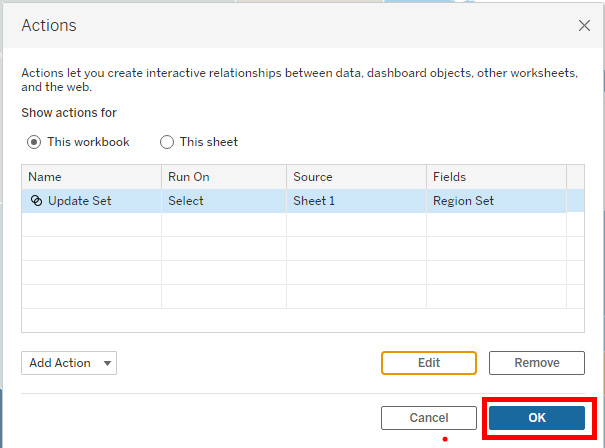
6. We can now create the set action to allow the drill down directly on the map. Click on worksheet, actions to bring up the actions window. In the window, click on add actions, change set values for a new pop up. Give the set action a name, run action on select, select source sheet, select target set and remove all values from set when selection is cleared. Click ok and also on the window beneath.
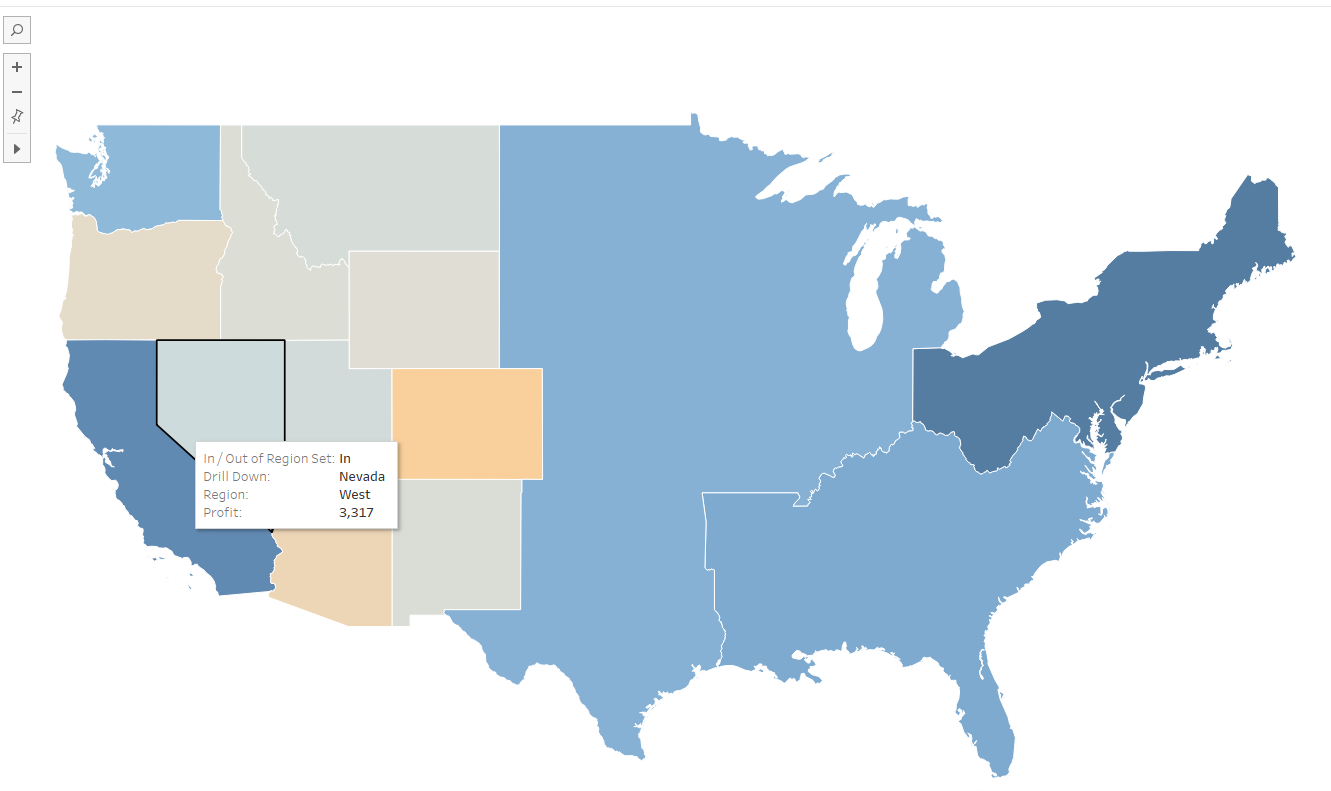
The set action can now be tested by clicking on any region on the map for a drill down to state.
I hope this tip was useful and thanks for reading.