


I finally understood iterative macros and I wanted to take this as an opportunity to cement my learning and write a blog. A common use case is looking at the effect of interest rates over time. here we have an overview of my simple iterative macro.
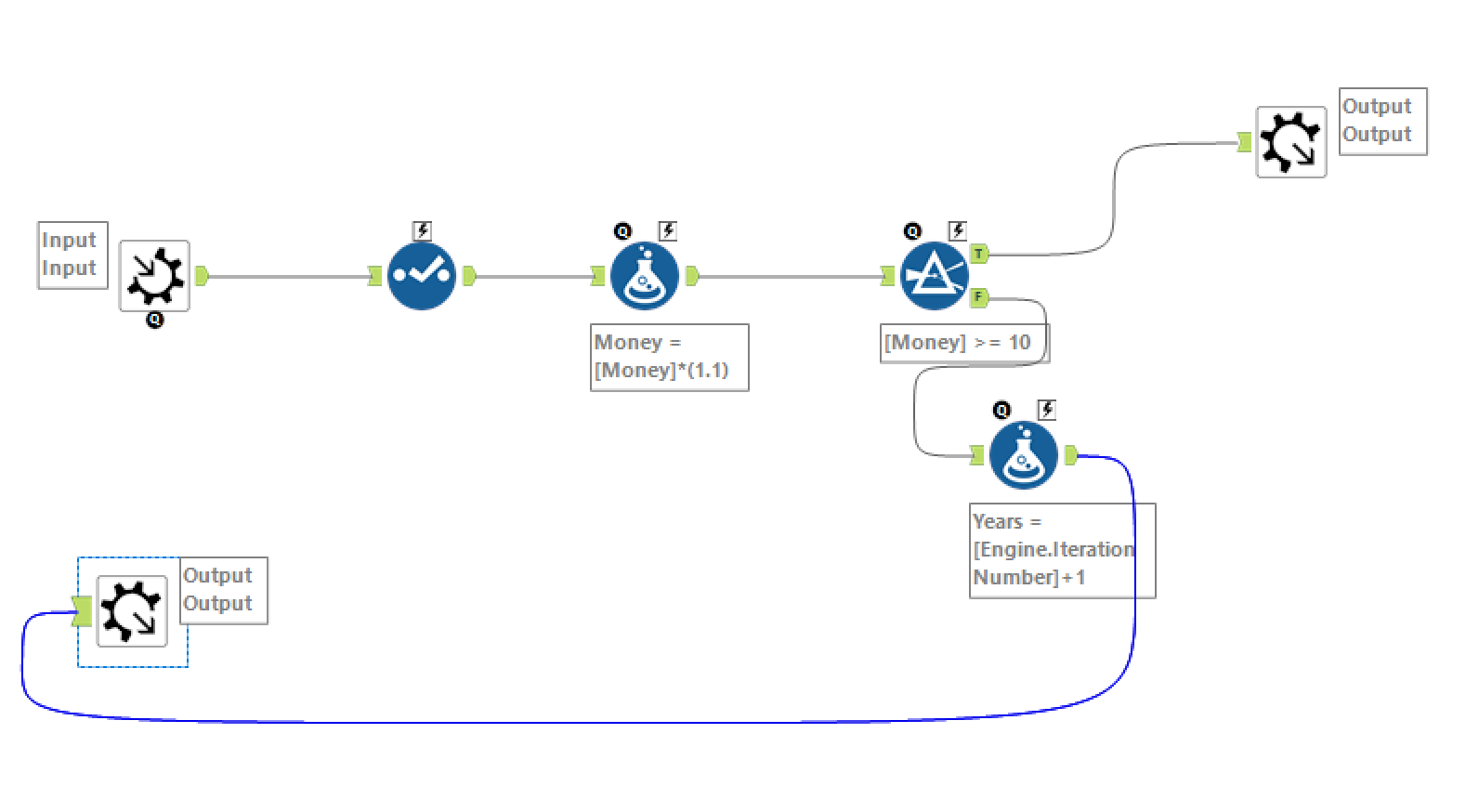
We add a simple text imput with the following data and convert it to a macro input.

We have 3 fields our investor's name is "John" his Money is "1" and the number of years that have been in the account is "0" (at the start anyway). I have then added a select tool that allows me to look at my data and change data types and field names.
We then have our formula tool which is where we will multiply the money in the account by the interest rate. We can see the calculation that i wrote below.
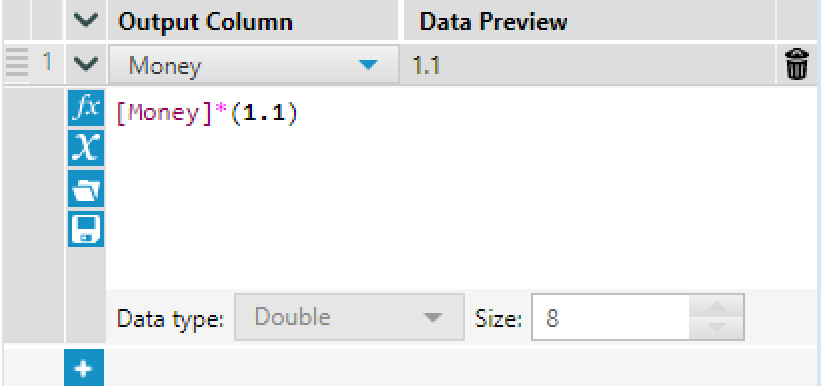
I have simply multiplied the Money field by 1.1. ie the original 1 and the 0.1 in interest. The data Preview is helpfully telling us that the answer is 1.1.
In this Macro we are exploring how long it will take for the money in Johns account to exceed 10 £. We doing this using a filter.
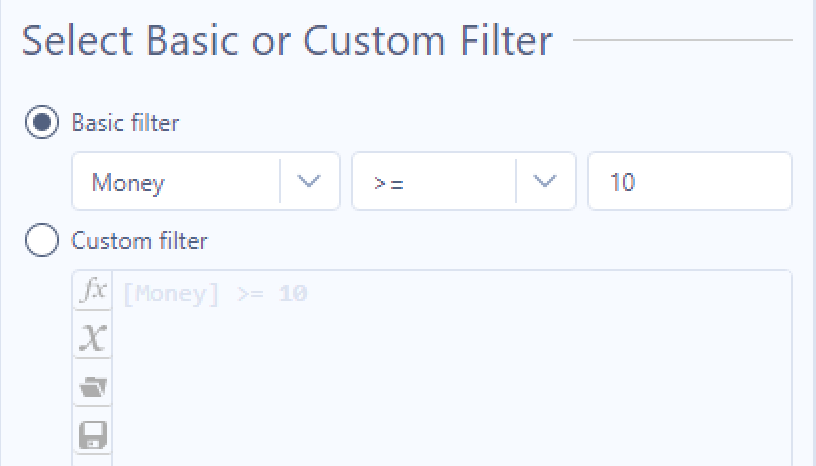
If money is greater than or equal to 10 then True and the Macro and stop otherwise it will keep running. We add a Macro output to the true output so we can get our answer as to when the Money exceeds 10. We attached to the False output another calculation. We need the years to tick up as well. As each cycle of our macro represents one year we will add this into our calculation this also allows us to ensure that when the macro cycles back around we have the correct number of fields and data types. With out this the Macro will error.
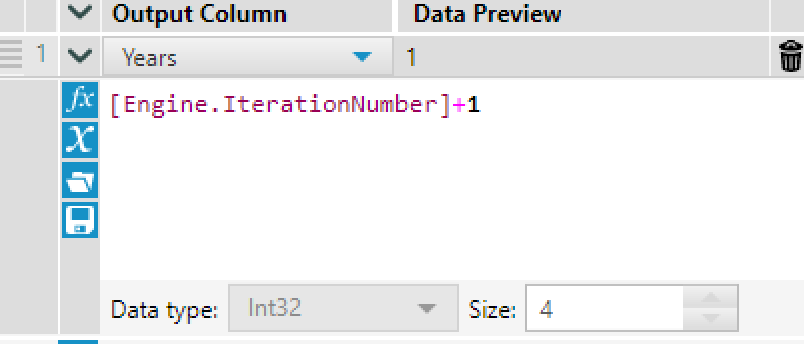
We make use of iteration +1 so each iteration will increase by one and will nicely represent our years. The output of this formula will be linked to a macro output. I like to drag this around toward the start so that we can visualize the data coming back around for the second iteration.
In the interface, we choose our input and outputs on the left-hand side of the canvas.
In the workflow, we set the canvas to an iterative Macro and we are good to go!
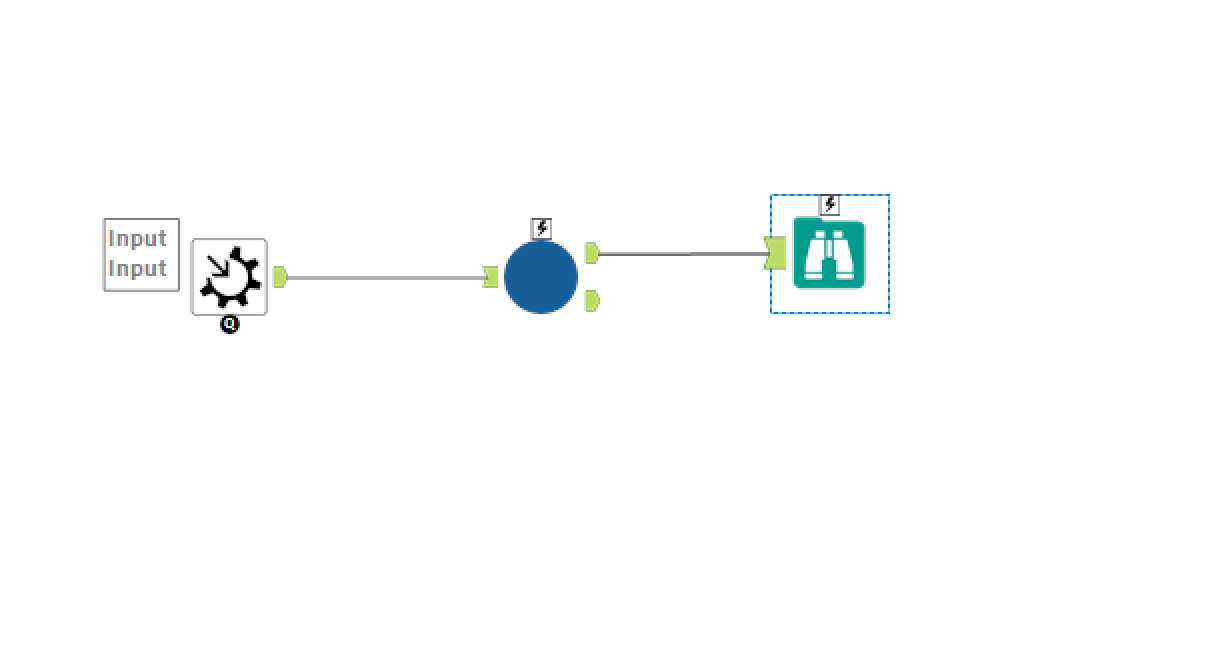
We place the macro in the workflow and run to get our answer. It takes us 24 iterations for John's savings to rise above 10.